Before you start
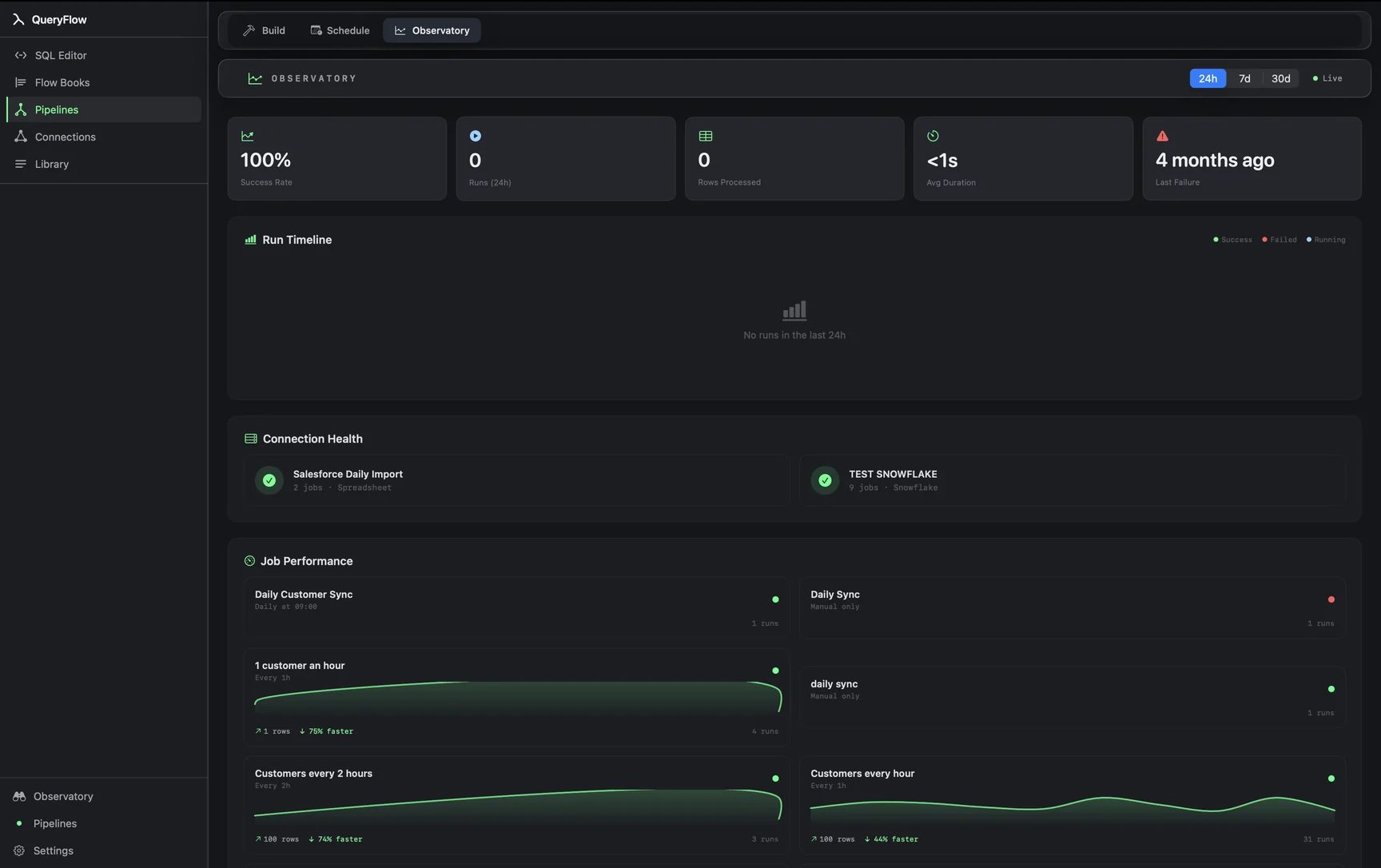
An existing scheduled job and Pipelines. Retry and alert behavior on failure is a Pipelines capability; Studio schedules run without it.
Steps
- Open the job in the Scheduler and edit it.
- Find the failure-handling options for the job and turn on retry.
- Set who gets notified on failure — email, Slack, Teams, or a Mac notification, depending on what you've already added as a destination.
- Save the job.
We're not going to invent a specific retry count or backoff interval here, because that's a setting inside the job itself and it can change between releases. Open the job's own failure-handling section in QueryFlow and set it there rather than assuming a number from outside the app.
A worked example
A nightly Databricks job that syncs into a warehouse table occasionally fails because the SQL warehouse hadn't finished starting up yet:
SELECT customer_id, MAX(event_time) AS last_seen
FROM catalog.schema.events
WHERE event_date = current_date() - 1
GROUP BY customer_id;
That's the kind of transient failure retry behavior is meant for: the query itself is fine, the warehouse just wasn't ready yet. Turning on retry for the job means a cold-start warehouse doesn't need someone to notice and re-run it the next morning.
Check it worked
Look at the job's run history after a failure. A retried run shows as a second attempt against the same scheduled trigger, and a failure notification (wherever you routed it) should have gone out on the first failed attempt.
Troubleshooting
| If you see | Fix |
|---|---|
| Job keeps failing on every retry | The failure isn't transient. Check the same error a connection Test would show — retry won't fix a bad credential or a missing table. |
| No alert arrived on failure | Confirm a notification destination is actually configured for that job, not just added generally. |
| Retry not available on the job | Confirm the account is on Pipelines; retry and failure alerting aren't in Studio. |
Retry versus a real fix
Retry is meant for failures that are transient by nature: a cold-start warehouse, a brief network blip, a rate limit that clears itself a minute later. It's not meant to paper over a job that's wrong in a way that won't change between attempts, a query referencing a column that got dropped, or a connection whose credentials expired. If a job needs several retries every single run before it succeeds, that's a signal to fix the underlying cause rather than lean on retry as a permanent workaround.
Where failure alerts should go
A Mac notification is easy to miss if you're not at your desk when a job fails overnight. For anything you actually want to know about promptly, routing the alert to Slack or Teams, if you've already added one as a destination, tends to reach you faster than a notification banner that's already scrolled off by the time you check your Mac. Email sits in between: reliable, but not always immediate.
The difference between a job failure and a bad answer
Retry and failure alerts cover the case where a job errors out, a connection fails, a query throws, a write is rejected. They don't cover the case where a job runs successfully but returns a number that's simply wrong, say a row count of zero because an upstream table was truncated by accident. That's a different kind of problem, and it's what Watches exist for: alerting on a value or a row count crossing a line, regardless of whether the underlying job technically "succeeded."
Building confidence in a new job
For a newly scheduled job you don't fully trust yet, it's reasonable to turn on retry and alerts from day one rather than waiting for a failure to teach you they were missing. The cost of having them configured and never needed is close to zero; the cost of a silent failure going unnoticed for a week usually isn't.
Studio's manual fallback
Without Pipelines, a failed job still shows up clearly in its run history, it just waits for someone to notice and click a manual re-run rather than retrying itself. For a job that fails rarely and isn't time-critical, checking the run history each morning is a workable, if more manual, substitute for automatic retry.
For alerting on a value or row count outside of a scheduled job's own failure, see Watch this instead.