What you get
- Drag-to-map fields — connect source and target columns visually instead of writing INSERT statements by hand.
- Three write modes — Insert, Update, or Upsert (MERGE on your key columns for BigQuery and Databricks).
- Dry Run first: see what would happen before a row moves.
How it works
Open Pipelines → Build and click New Sync. Pick a source Connection and Table (or write SQL if you need a filter or a join), pick a target Connection and Table, then map fields by dragging a line from each source column to its target, or click AI Map to match the obvious ones by name.
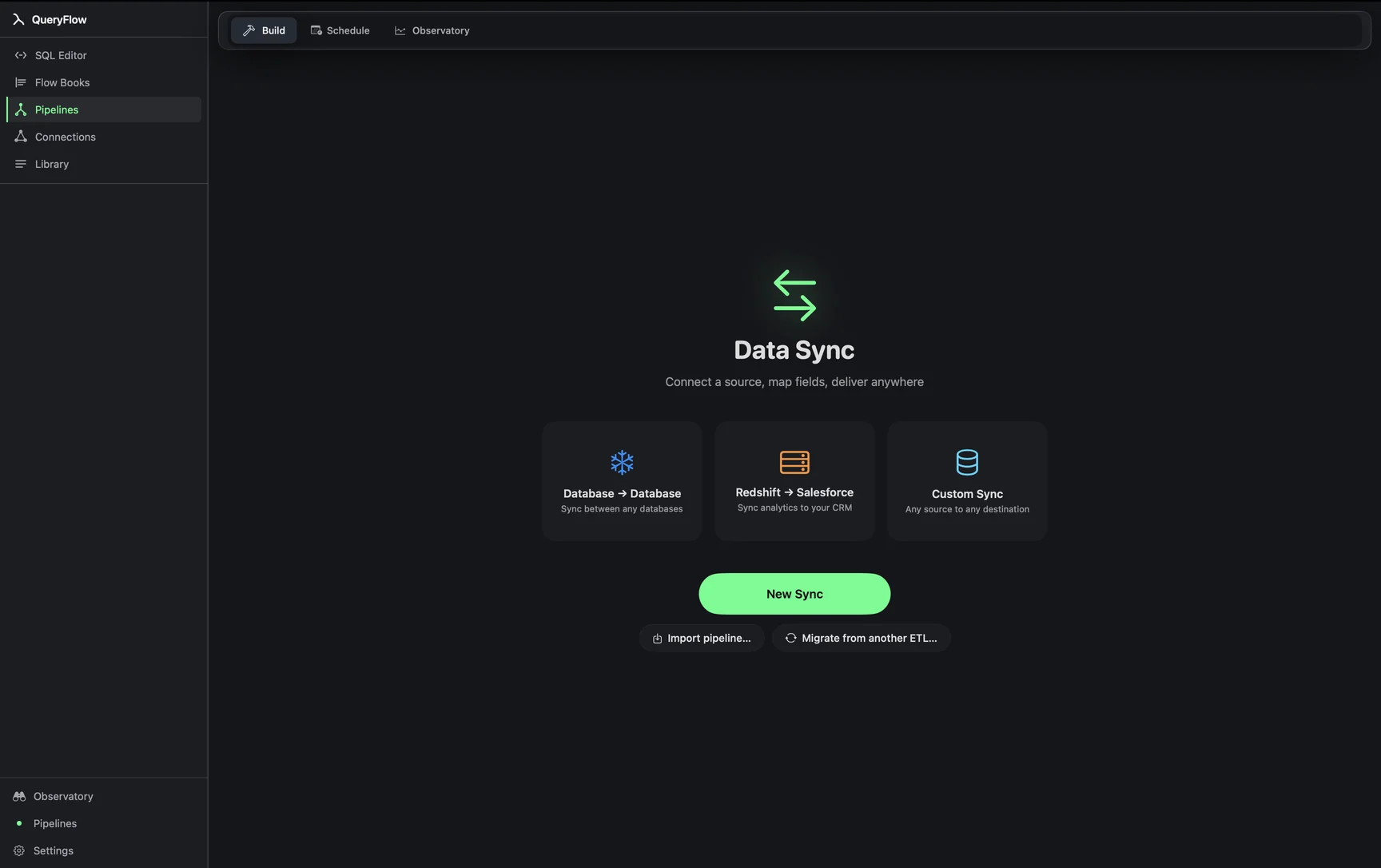
A typical no-script sync: moving new Stripe-adjacent billing rows sitting in Postgres into a BigQuery table finance queries.
-- Postgres source
SELECT invoice_id, customer_id, amount_cents, status
FROM invoices
WHERE updated_at >= NOW() - INTERVAL '1 day';

-- BigQuery target: my-gcp-project.finance.invoices
Map the four columns, pick Upsert on invoice_id, click Dry Run to confirm it, and save it as a daily job. No Python, no custom loader script, no cron entry calling a wrapper around bq load.
Studio vs Pipelines
Data Sync is a Pipelines feature. Studio covers the SQL editor, connections, and scheduling with file and email output; moving data between two live connections is part of what Pipelines adds on top. See pricing for the full comparison.
What it isn't
This isn't a general-purpose transformation engine. There's no scripting step for reshaping data mid-flight beyond the field mapping and write mode; anything that needs real transformation logic (parsing a nested JSON blob, computing a derived column) is better handled with SQL on the source side, or in a Flow Book, before Data Sync moves the result.
Where "no-code" actually means "no script"
"No-code" here specifically means no separate Python or shell script to write, deploy, and maintain outside the app. It doesn't mean no SQL at all; the source side happily takes a full query when a raw table pick isn't enough. The distinction that matters in practice is between logic that lives in a query you can read and edit in the SQL Editor, versus logic that lives in a script file somewhere that only the person who wrote it fully understands.
Who this is built for
This fits a solo analyst, a small data team, or an indie founder who needs data moving between two or three systems without standing up a dedicated data-engineering practice to do it. It's a smaller ambition than a full orchestration platform, deliberately, because most of these sync needs really are that small: one source, one target, a mapping, and a schedule.
A second worked example
Consider a small SaaS company that wants its Postgres application database mirrored into Snowflake for the analytics team, without adding a Postgres read replica or a dedicated ETL engineer. Add both connections, build a sync for each core table, map fields with AI Map plus a few manual corrections, pick Upsert with the primary key as MATCH ON, and schedule each as a nightly job. Within an afternoon, the analytics team has current data in the warehouse they already query, built entirely through drag-to-map screens rather than a codebase someone has to own.
Growing past it
If a company eventually needs streaming, sub-minute replication, or connectors to dozens of SaaS tools outside QueryFlow's nine, that's a real limit worth naming plainly rather than working around. Data Sync is built for scheduled, batch-style movement between the connections QueryFlow supports; it isn't trying to be a change-data-capture platform or a 300-connector ELT service.
Combining syncs with other features
A Data Sync job doesn't have to stand alone. Pair it with a Watch on the target table's row count to catch a sync that silently stopped moving rows, or with the scheduler's retry and alert settings so a transient failure doesn't need a person to notice it first. None of these features require the others, but together they cover the full loop: move the data, confirm it moved, and hear about it when something breaks.