Every schema has its own dialect
Nobody names things the way an outsider would guess. Maybe your Flex Plan is stored as pick_your_games in a plan_type column, or your "churned" users are actually rows where status equals 'lapsed', not 'canceled', because that's what the field was called when someone built it three years ago and nobody's renamed it since. A model with no memory has to guess at that every single time, and it won't always guess right.
Verified queries
When the Ask panel gives you a good answer, thumbs it up. That turns the question and the SQL that answered it into a verified query the panel can reuse. Next time someone asks something close to it, phrased differently, the panel has a known-good pattern to work from instead of writing the query from scratch and hoping it lands the same way.
Teaching a term directly
You don't have to wait for a good answer to teach something. Tell it directly, the same way you'd explain it to a new analyst: "Flex Plan means pick_your_games." From then on, when someone asks about the Flex Plan, the panel knows which column and which value actually represents it.
Here's what that looks like end to end. Say your subscriptions table has a plan_type column with values like pick_your_games, all_access, and starter, but the product team only ever says "Flex Plan" in conversation. Ask "how many customers are on the Flex Plan" before teaching the term, and the panel might reasonably search for a plan literally named Flex, and come up empty or wrong. Teach it the mapping once, and the same question correctly becomes:
SELECT COUNT(*) AS flex_plan_customers
FROM public.subscriptions
WHERE plan_type = 'pick_your_games'
  AND status = 'active';
Where this shows up
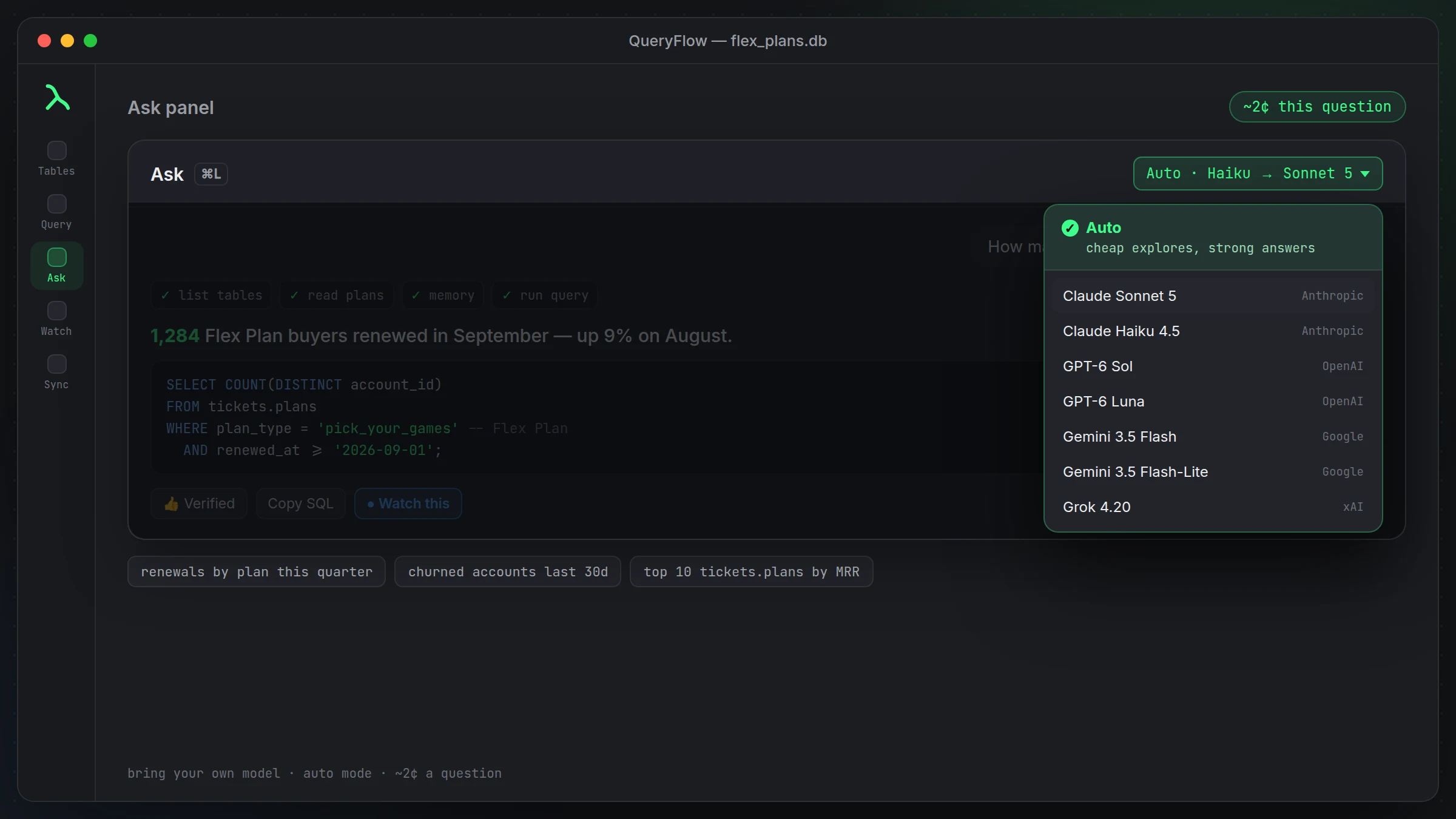
This matters most on teams where the people asking questions (marketing, support, leadership) aren't the same people who built the schema (engineering, data). The vocabulary gap between those two groups is exactly what memory is meant to close, without engineering having to rename columns just to make them self-explanatory.
Clearing it
If your schema changes, a term stops meaning what it used to, or you just want to start over, clear all memory in one click from Settings. It's a full reset, not a selective edit, so if you've taught a lot of terms and only one is wrong, you'll re-teach the rest after clearing.
What memory is and isn't
This is memory about your schema's vocabulary, not general knowledge about your business or your customers. It won't infer things you haven't told it or observed from verified queries, and it isn't a substitute for documentation your team might already keep elsewhere. Think of it as narrowing the gap between how your database is built and how your team actually talks about it, nothing broader than that.
Where verified queries pay off over time
The value compounds. Early on, teaching a term or verifying a query saves you from one wrong answer. Three months in, on a schema with a dozen taught terms and a couple dozen verified queries, new questions that resemble old ones get answered faster and more reliably, because the panel isn't reasoning from scratch every time, it's pattern-matching against things you've already confirmed are right. Teams that use this consistently tend to spend less time correcting the panel over time, not because the underlying model changed, but because the memory did.
A second worked example
Say your team also has a metric called "power users" that isn't a column at all, it's a derived condition: customers with more than 20 logins in the trailing 30 days. Teach that directly: "a power user is a customer with more than 20 rows in login_events in the last 30 days." From then on, "how many power users do we have in the Flex Plan" combines both taught concepts correctly:
SELECT COUNT(DISTINCT s.customer_id) AS power_users_on_flex
FROM public.subscriptions s
JOIN public.login_events l ON l.customer_id = s.customer_id
WHERE s.plan_type = 'pick_your_games'
  AND s.status = 'active'
  AND l.event_time >= now() - interval '30 days'
GROUP BY s.customer_id
HAVING COUNT(l.event_time) > 20;
Neither term existed in your schema as a literal value. Both existed in how your team actually talks, and that's exactly the gap memory is meant to close.
Who should be teaching it terms
In practice, whoever built the schema or knows it best is usually the right person to teach the first batch of terms, since they're the ones who know that "Flex Plan" and "pick_your_games" are the same thing in the first place. After that initial pass, anyone on the team can add a term as they notice a gap, there's no special permission needed beyond having access to the Ask panel itself.
A small habit worth building
Whenever someone on your team asks a question using an internal term the panel visibly doesn't understand, that's the moment to teach it, right then, rather than filing it away as something to fix later. It takes less time to teach the term than it did to notice the confusion in the first place, and the next person who asks the same way benefits immediately.
This is separate from the underlying model's own memory
To be clear about what's happening under the hood: this memory lives in QueryFlow, tied to your schema, not inside the AI model itself. Whichever model you're using in the Ask panel reads this context the same way it reads your schema, as part of what it's given for that question. Switching models doesn't lose your taught terms or verified queries, they're QueryFlow's memory, not the model's.