Before you start
A source table with a reliable "changed at" or incrementing ID column, and a target table already in the shape you want to write into. Pipelines tier for Data Sync.
Steps
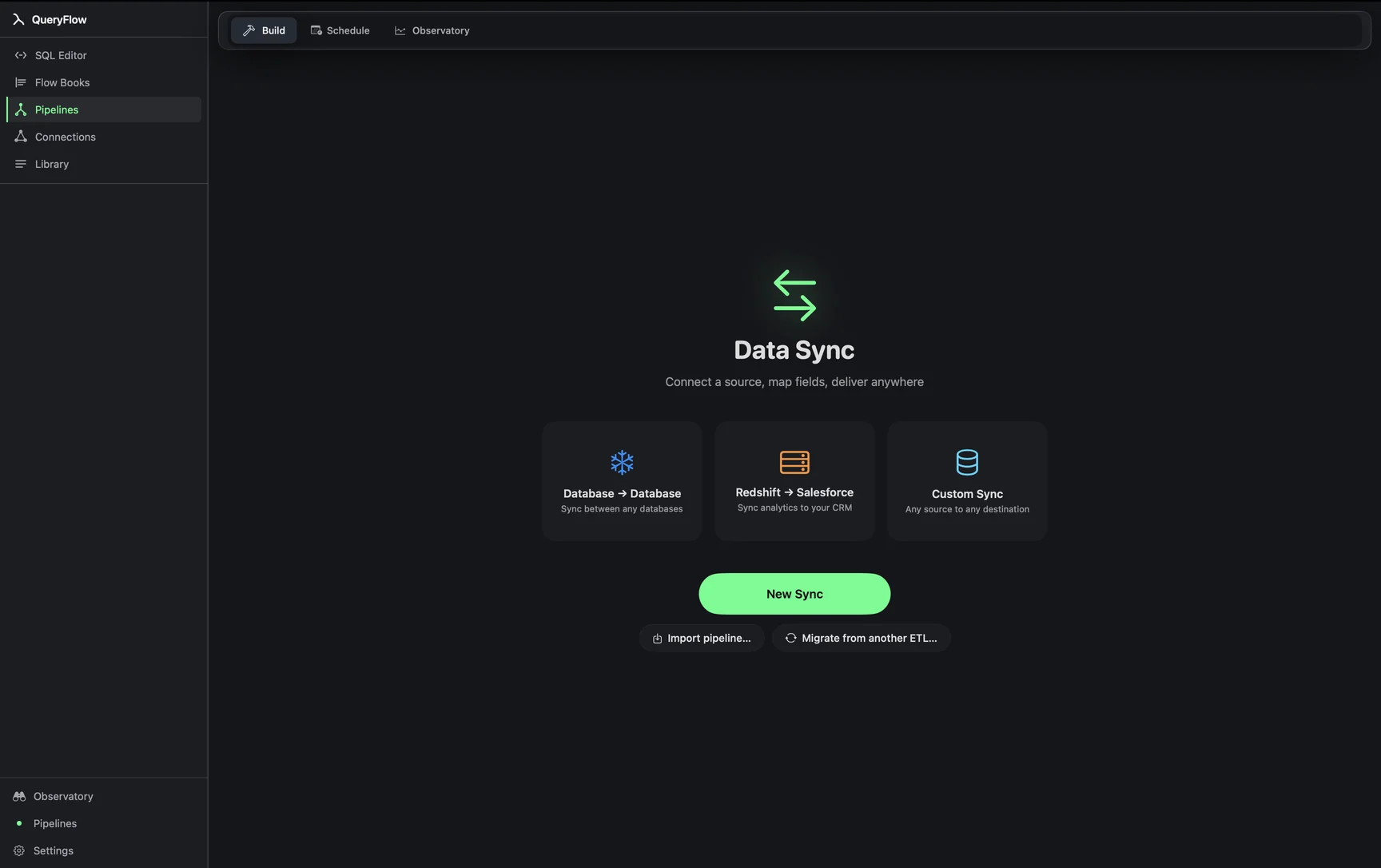
- Open Pipelines → Build and start a New Sync (or edit an existing one).
- On the source side, write SQL instead of picking a raw table, filtered to rows newer than your last sync (see the example below).
- Map fields to the target.
- Pick Insert if the source is append-only, or Upsert with a MATCH ON key if existing rows can also change.
- Click Dry Run to confirm only the expected rows show up, then save it as a scheduled job.
A worked example
Syncing new and updated rows from a Postgres orders table into Snowflake, filtered to the last 26 hours to comfortably cover a daily schedule with some overlap:
SELECT order_id, customer_id, status, updated_at
FROM orders
WHERE updated_at >= NOW() - INTERVAL '26 hours';
Map that into the Snowflake target table and run it as Upsert on order_id. New orders insert, orders whose status changed since yesterday update, and the sync never has to touch rows that haven't moved. The 26-hour window (rather than exactly 24) is a small buffer against clock drift or a slightly late run, so a row updated right at the edge of the window doesn't slip through uncounted.
Check it worked
Run Dry Run first and confirm the row count roughly matches what changed since the last run, not the size of the whole source table. If Dry Run shows the full table every time, the filter isn't actually incremental yet.
Troubleshooting
| If you see | Fix |
|---|---|
| Every sync loads the whole table | The WHERE filter isn't actually narrowing by time or ID. Check the column and the comparison value. |
| Rows are missed between runs | Widen the time window slightly to overlap with the previous run, rather than cutting exactly at the schedule interval. |
| Duplicate key values in source for key column(s) … | The filtered query is returning more than one row per key; check for an unintended join fanning rows out. |
Choosing the window size
The overlap window (26 hours instead of exactly 24, in the example above) trades a small amount of redundant work for protection against gaps. A wider window means re-processing slightly more rows than strictly necessary each run; a narrower one risks missing a row that changed right at the edge. For most daily jobs, a couple of hours of overlap is cheap insurance. For an hourly job, the same logic applies at a smaller scale, filtering to the last 75 minutes instead of exactly 60, say.
When incremental isn't worth the complexity
For a small table, a few thousand rows, syncing the whole thing every time is often simpler to reason about and barely slower than filtering it. Incremental filtering earns its complexity on tables where a full read is genuinely expensive or slow, not as a default habit applied to every sync regardless of size. If Dry Run on a full-table sync already runs in a couple of seconds, that's a sign the incremental approach may be solving a problem you don't actually have yet.
Timestamps versus auto-incrementing IDs
A timestamp column handles both new rows and updates to existing ones, as long as your application code reliably bumps it on every write. An auto-incrementing ID only tells you about new rows; it says nothing about a row that changed without a new ID being issued. If your source table updates existing rows in place, and you're relying on an ID column for the incremental filter, updates to old rows will never show up in the sync, quietly, until someone notices the target looks stale.
A note on clock skew between systems
If the source database and the machine running the schedule aren't on the same clock, a filter based on "now minus N hours" can drift slightly out of sync with what the source considers "now." This is rarely a large gap, but it's part of why a generous overlap window is worth the small extra read rather than trying to cut the window exactly to the schedule interval.
See Upsert vs. Insert vs. Update for picking the right write mode, or the Data Sync tutorial for the full builder.