Databricks notebooks are great, until you leave Databricks
Databricks has its own excellent notebooks, but they run against a cluster, in the browser, tied to your workspace. If what you actually want is to pull a quick result from your SQL warehouse and do a bit of Python locally, spinning up a cluster and a browser notebook is a lot of infrastructure for a five-minute question. Flow Books skip that: SQL against your warehouse, Python on the result, in a native file on your Mac.
What you get
- SQL cells that query your SQL warehouse directly. Results land as a dataframe available to the next cell.
- Python cells with pandas already available. Reshape, join or chart without leaving the file.
- No cluster to spin up. The query runs against your existing SQL warehouse; there's no separate compute to provision for the notebook itself.
How it works
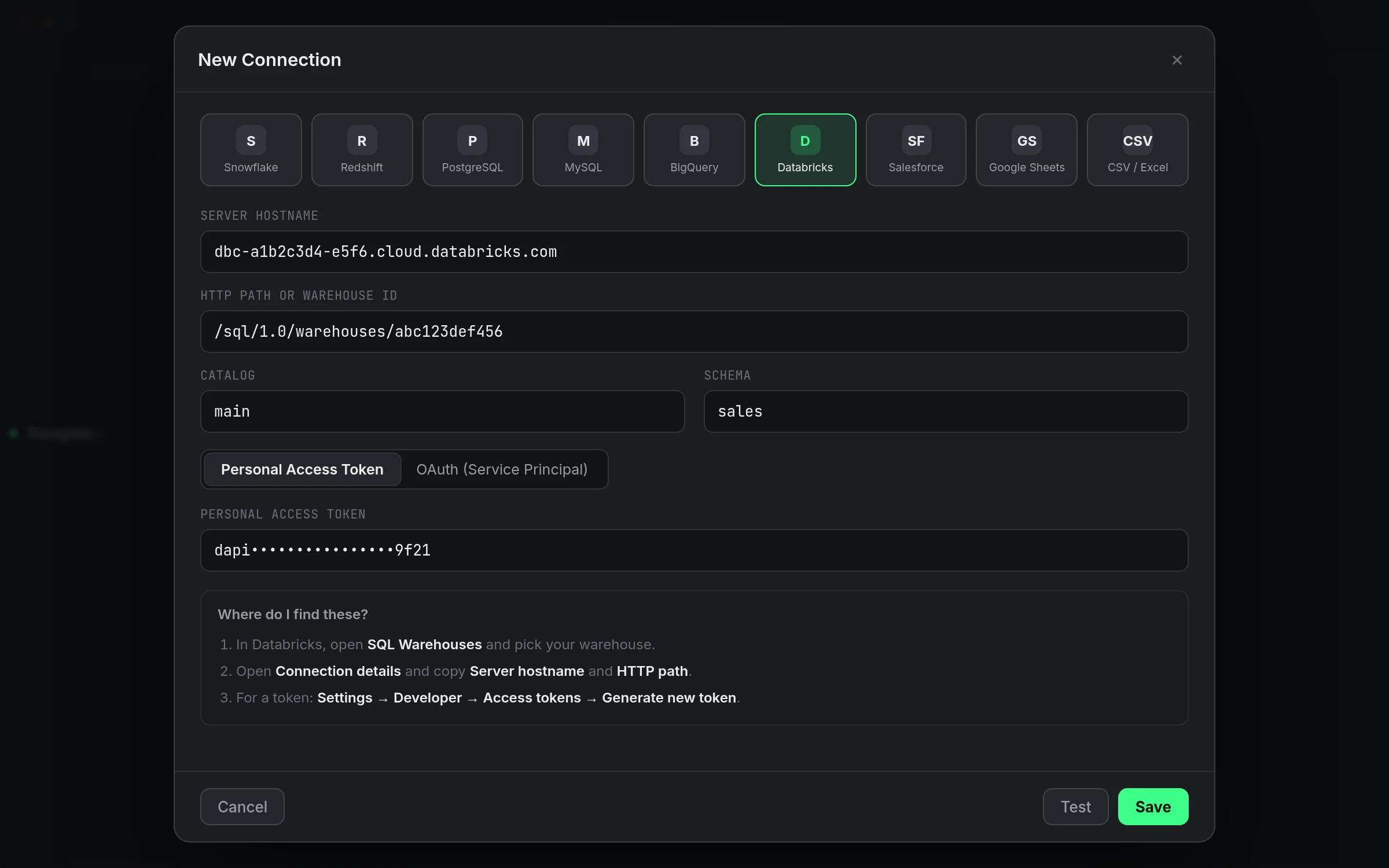
1. Open a Flow Book against your connected Databricks warehouse. 2. Add a SQL cell and run a query; the result becomes a dataframe. 3. Add a Python cell below it and work with that dataframe directly.
A worked example
Pull thirty days of pipeline run durations, then flag the outliers in Python:
-- SQL cell
SELECT run_id, pipeline_name, duration_seconds
FROM ops.gold.pipeline_runs
WHERE run_date >= current_date() - interval 30 days;
# Python cell
threshold = df["duration_seconds"].quantile(0.95)
outliers = df[df["duration_seconds"] > threshold]
outliers.sort_values("duration_seconds", ascending=False)
The dataframe the SQL cell produced feeds straight into the Python cell, no export, no separate kernel to keep track of.
When to skip the notebook
If the answer is really just the query result, use the SQL editor directly, it's faster than opening a notebook for a single SELECT. Flow Books earn their keep on the questions that need a second step.
Studio vs. Pipelines
Flow Books are part of Studio. Scheduling a query's output or syncing results into another warehouse needs Pipelines. See pricing.
Keeping it in sync with the warehouse
If a column gets renamed or dropped upstream, the SQL cell fails the same way a standalone query would, with a clear error rather than a silently wrong dataframe. A Flow Book isn't more fragile than a plain query against the same table, but it isn't more forgiving either, so treat schema changes the same way you would anywhere else.
A second worked example: flagging outliers against a static list
Say a query pulled pipeline run durations and you want to flag which pipelines are on a known-flaky list, not something tracked in the warehouse itself:
# Python cell, after the SQL cell above
flaky = set(["ingest_orders", "sync_inventory"])
df["known_flaky"] = df["pipeline_name"].isin(flaky)
df[df["known_flaky"]]
That's the kind of join SQL alone handles awkwardly when one side isn't in the warehouse, and it's exactly what the Python cell is for.
Keeping a notebook readable months later
Label your SQL and Python cells with something more useful than default numbering if the Flow Book will outlive the afternoon you wrote it. A short description above each cell costs a few seconds now and saves you from re-reading the whole notebook the next time you open it.
Saving a Flow Book alongside plain queries
A Flow Book can live next to the plain SQL queries you've saved from the editor; there's no need to standardize on one workflow. Use the standalone editor for a query you'll run as-is, and reach for a Flow Book once a question genuinely needs a Python step on top.
A note on result size in a notebook
The same 100,000-row and 25 MB limits that apply to a plain query apply to a SQL cell's result too. For a larger analysis, aggregate down in the SQL cell rather than trying to pull raw rows past that limit into Python.
Sharing a Flow Book with a teammate
Save the file somewhere shared and note in the first cell which connection it expects. Someone opening it later needs their own working Databricks connection with the same access; the notebook itself doesn't carry your credentials along with it.
Version control for a Flow Book
Treat a shared Flow Book the way you'd treat any other shared analysis file, keep a copy in whatever your team already uses for version history, rather than relying on a single unversioned file that anyone can overwrite silently.