Aurora MySQL is MySQL, with two endpoints
Amazon Aurora MySQL speaks the standard MySQL wire protocol, so QueryFlow connects to it the same way it connects to any MySQL database: host, port, database, username, password. The one Aurora-specific detail worth knowing is that a cluster usually exposes two endpoints, a writer (cluster) endpoint for the primary instance and a reader endpoint that load-balances across replicas. Point write and normal single-instance work at the writer. For a recurring reporting query that only reads, add a second QueryFlow connection pointed at the reader endpoint instead, so it doesn't compete with production writes.
Connecting
In the AWS console, open your Aurora cluster and copy the writer endpoint (and reader endpoint, if you have one). Port is 3306 by default. In QueryFlow, add a MySQL connection: Host = the endpoint, Port, Database, Username, Password, and SSL turned on against RDS's certificate chain.
Security group and network access
Aurora clusters sit inside a VPC by default, closed to the internet unless a security group rule says otherwise. Add your current IP (or your office's static IP or VPN range) to the cluster's security group on port 3306 before testing the connection. Skip this and the connection times out at the network step, before it ever reaches Aurora's login or permissions checks.
IAM authentication vs. a native user
Aurora offers IAM database authentication: instead of a fixed password, an IAM policy lets you generate a token that's valid for about 15 minutes. QueryFlow's MySQL connection takes a standard username and password, not a rotating token, so the simplest setup is a native database user with a regular password, rotated through Secrets Manager and pasted in when it changes, rather than trying to keep a 15-minute token fresh in a desktop client.
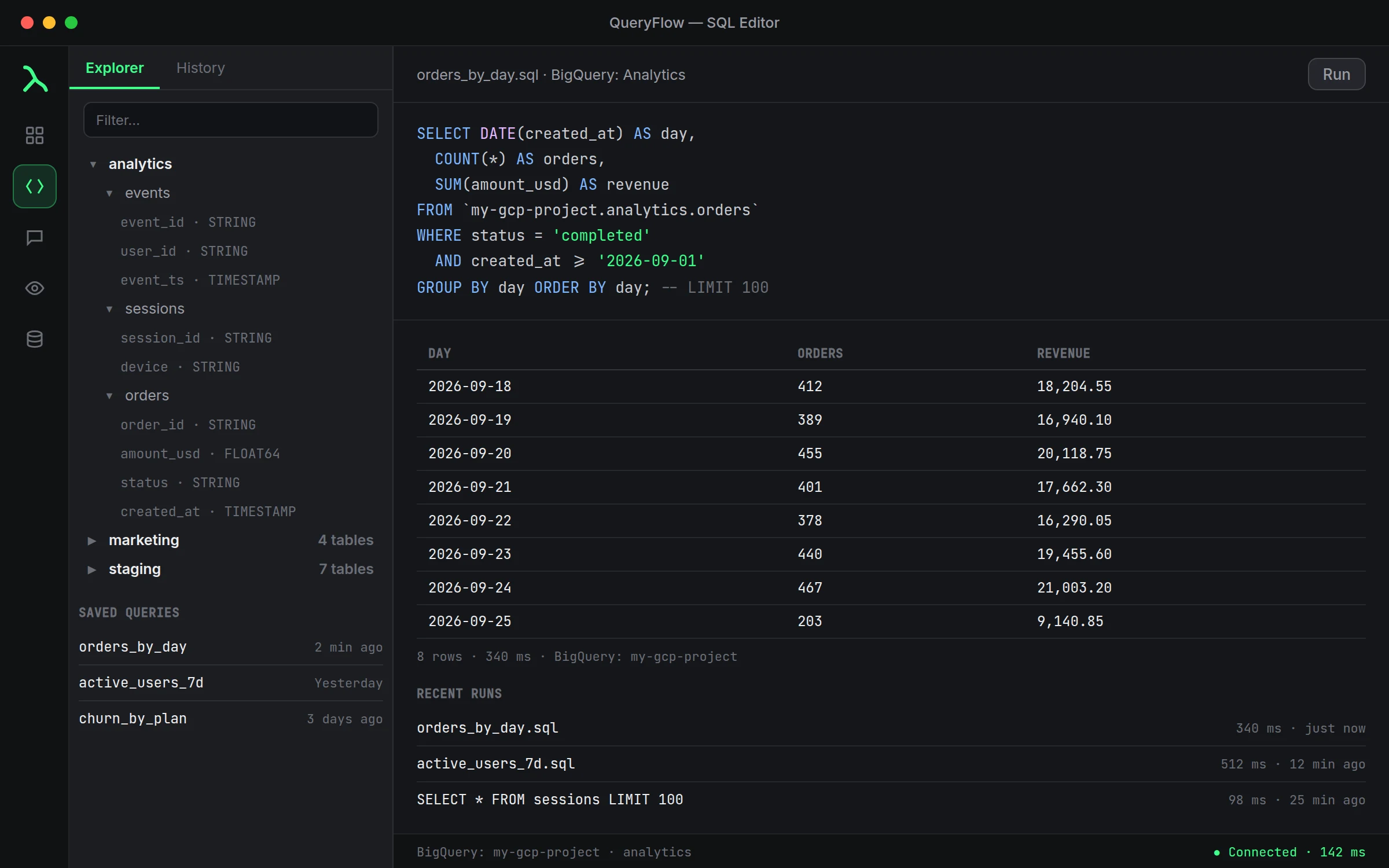
A worked example: reporting off the reader endpoint
SELECT DATE(order_date) AS day, status, COUNT(*) AS orders
FROM shop.orders
WHERE order_date >= CURDATE() - INTERVAL 14 DAY
GROUP BY day, status
ORDER BY day;
Run this against the connection pointed at the reader endpoint. A daily report like this has no reason to touch the writer instance, and separating read traffic this way matters more as the cluster gets busier.
Scheduling and Watch This on Aurora
Once connected, Aurora MySQL behaves like any other MySQL source. Schedule the query above to run every morning and land in Slack (Pipelines) or email (Studio and up). Click Watch this on a result to get pinged the moment it changes; a row count watch on an ingestion table catches a stalled ETL job as clearly as a spike.
Aurora Serverless v2 and reconnecting after a failover
If the cluster is Aurora Serverless v2, capacity adjusts automatically on Amazon's side; QueryFlow's connection doesn't need to know or care, it's still the same MySQL wire protocol either way. A multi-AZ failover is different in one respect worth expecting: the writer endpoint's DNS record moves to the new primary, and an in-flight query fails, but the next connection attempt against that same endpoint reaches the new writer without you changing anything in QueryFlow. If a query fails mid-run during a failover, retry it rather than editing the connection.
A second worked example: confirming replication lag before trusting the reader
SHOW REPLICA STATUS;
Run this against the reader endpoint connection when a number from a report looks stale. Aurora replicas are typically close to real time, but a reporting query against the reader can occasionally show slightly older data than the writer during a heavy write burst, worth ruling out before assuming the report's SQL is wrong.
What QueryFlow doesn't do
QueryFlow doesn't manage Aurora failover, instance sizing, IAM roles, or security groups. Those stay in the RDS console or your infrastructure-as-code. QueryFlow only queries whichever endpoint you point it at.
Studio or Pipelines
Studio covers connecting, exploring, and a single scheduled report to email or a local file. Sending a schedule or a Watch to Slack, Teams, S3, SFTP or another database, plus Data Sync, needs Pipelines.
One cluster, two QueryFlow connections
It's worth treating the writer and reader endpoints as genuinely separate connections in QueryFlow, named clearly, Aurora Prod (writer) and Aurora Prod (reader), rather than one connection you mentally remember to be careful with. A scheduled reporting job pointed at the wrong connection by habit is an easy mistake to make once, and naming the two distinctly is the whole fix.